Last month I counted the tabs I had open during a normal workday. Ahrefs in one. Google Ads dashboard in another. HubSpot. GitHub. A PostgreSQL client. Slack for pings. Google Drive for docs. Fifteen tabs, minimum, just to do my job.
Now I have one terminal window. That's not an exaggeration. It's the result of connecting MCP servers to Claude Code and watching half my workflow collapse into a single interface.
If you haven't heard of MCP yet, here's the short version. Model Context Protocol is an open standard that lets AI models talk to external tools. Think of it as a universal plug. One end goes into Claude Code, the other end connects to whatever app or service you need. Anthropic built it, open-sourced it, and now every major AI player (OpenAI, Google, Microsoft) has adopted it. The protocol won before the debate even started.
But here's the thing nobody tells you. The most useful MCP servers aren't the developer-focused ones. The ones that changed how we work at RZLT are marketing and operations tools. We're a growth agency. We run campaigns, track performance, manage pipelines, ship content. The fact that Claude Code is a "coding tool" is almost beside the point when you can plug your entire business stack into it.
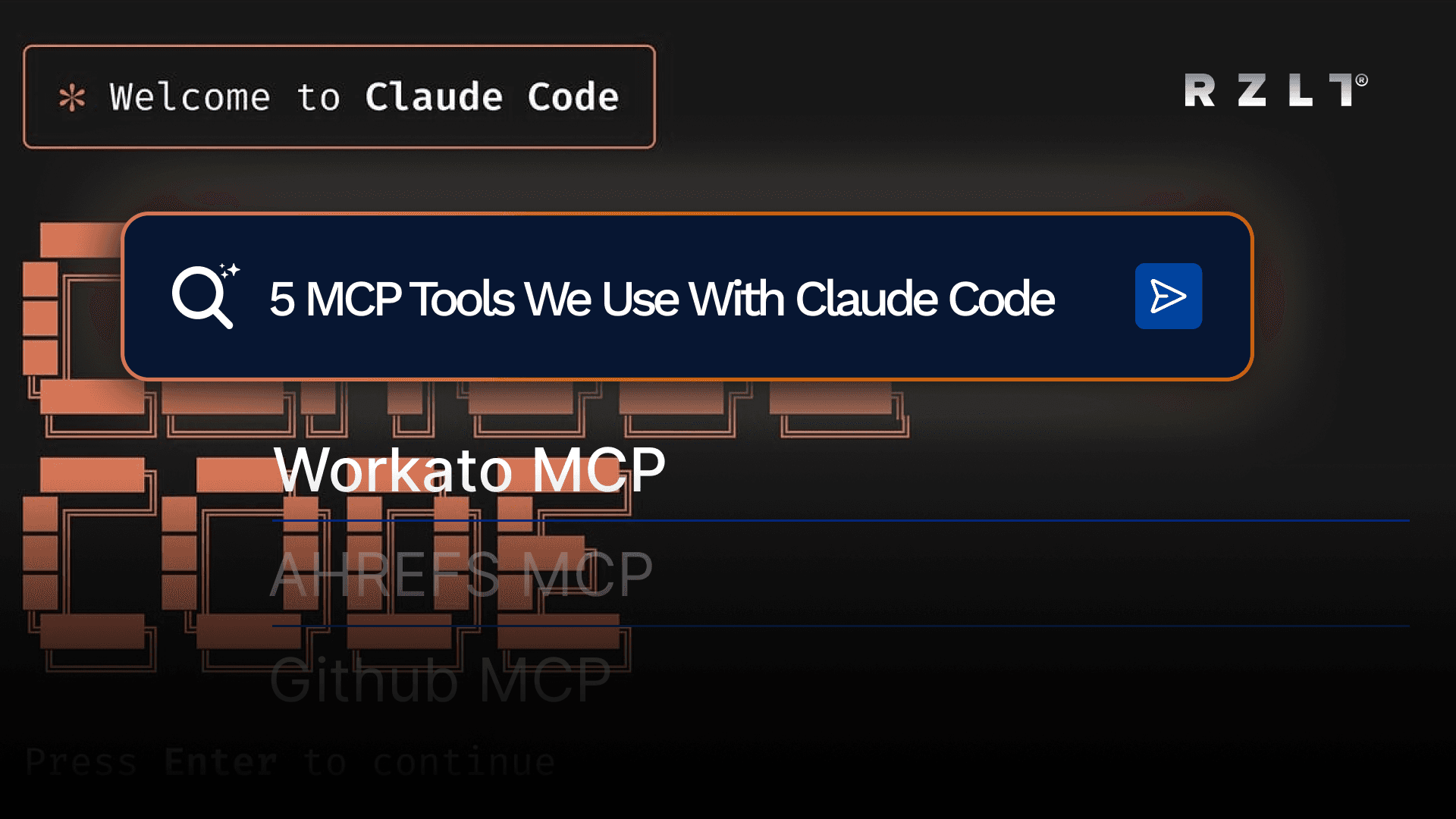
Here are the five MCP servers we actually use every day, and what they replaced.
1. Ahrefs MCP: SEO Without the Tab
We do a lot of SEO work for clients. Before Ahrefs MCP, that meant keeping an Ahrefs tab permanently open, running keyword explorers, checking backlink profiles, pulling ranking data, exporting CSVs. Rinse and repeat for every client, every week.
Now I type something like "pull the top declining keywords for [client domain] in the last 30 days" into Claude Code and get the data back in seconds. No login screen, no navigation, no clicking through filters. Just the answer.
Where it really shines is competitive analysis. I can ask Claude to compare two domains' keyword overlap, identify content gaps, and suggest which pages to prioritize. All in one prompt. What used to be a 45-minute workflow turned into a 3-minute conversation.
How to install:
claude mcp add ahrefs --transport http https:
claude mcp add ahrefs --transport http https:
That's it. One command. If you do any kind of SEO or AI search optimization (and if you're reading this blog, you probably should be), this one is non-negotiable.
Links:
2. Windsor MCP: Every Ad Platform in One Chat
This is the one that made our media buyers stop and pay attention.
Windsor.ai connects to over 80 data sources. Facebook Ads, Google Ads, GA4, Shopify, LinkedIn Ads, TikTok Ads, and basically anything that generates marketing data. Their MCP server pipes all of that into Claude Code.
So instead of logging into three different ad platforms to check how a campaign cluster is performing, I ask: "What's the ROAS breakdown by channel for [client] over the last 90 days?" And I get a real answer, pulled from real data, across all platforms simultaneously.
The prompts that actually changed our workflow:
"Which campaigns spent more than €500 with ROAS below 1.5 last month?"
"Compare our Facebook CPAs to Google CPAs for the Q1 lead gen campaigns."
"Show me the week-over-week trend for total ad spend across all channels."
Cross-channel reporting used to take us hours of pulling data from different dashboards and normalizing it in spreadsheets. Now it's a question and an answer.
How to install (dev setup for Claude Code):
Add this to your MCP config (~/.claude.json):
{
  "mcpServers": {
    "windsor": {
      "command": "mcp-proxy",
      "args": [
        "https://mcp.windsor.ai/",
        "--transport=streamablehttp"
      ],
      "env": {
        "API_ACCESS_TOKEN": "<your-windsor-api-key>"
      }
    }
  }
}
{
"mcpServers": {
"windsor": {
"command": "mcp-proxy",
"args": [
"https://mcp.windsor.ai/",
"--transport=streamablehttp"
],
"env": {
"API_ACCESS_TOKEN": "<your-windsor-api-key>"
}
}
}
}You'll need a Windsor.ai account with at least one data source connected and an API key.
Links:
3. Workato MCP: The Glue That Connects Everything
Ahrefs handles SEO. Windsor handles ads. But what about Salesforce, Jira, Google Drive, Slack, and the other dozen tools a growth team touches daily?
That's where Workato comes in. And honestly, this might be the most underrated MCP server on this list.
Workato's MCP doesn't connect you to one app. It connects you to hundreds. Salesforce, Jira, Google Drive, Slack, HubSpot, Notion, ServiceNow, Zendesk. The list goes on. Through one MCP server, Claude Code gains access to your entire operations stack.
Here's what that looks like in practice for us:
"Create a Jira ticket for the design team: homepage banner refresh for [client], due Friday."
"Pull the latest signed proposal from Google Drive for [client]."
"Update the Salesforce deal for [client] to Closed Won and log a note."
One prompt, three different apps, zero tab-switching.
What makes Workato different from just plugging in individual MCP servers for each app is the orchestration layer. It's not just a passthrough. It supports identity-aware execution, rate limiting, and audit logging. For an agency managing multiple client accounts across multiple platforms, that governance matters. You know who did what, when, and through which connection.
We went from having 8 separate integrations to having 1 Workato MCP that handles all of them.
How to install:
{
  "mcpServers": {
    "workato-apim": {
      "command": "npx",
      "args": ["@workato/mcp-server"],
      "env": {
        "TYPE": "apim",
        "REMOTE_MCP_URL": "https://mcp.workato.com/your-username/your-collection-id",
        "AUTH_TOKEN": "YOUR_API_TOKEN"
      }
    }
  }
}
{
"mcpServers": {
"workato-apim": {
"command": "npx",
"args": ["@workato/mcp-server"],
"env": {
"TYPE": "apim",
"REMOTE_MCP_URL": "https://mcp.workato.com/your-username/your-collection-id",
"AUTH_TOKEN": "YOUR_API_TOKEN"
}
}
}
}Replace the URL and token with the ones from your Workato API collection.
Links:
4. GitHub MCP: Project Tracking Without the UI
This one is widely known in the dev community, but I want to reframe it for non-developers. Because it's useful for anyone managing a team that ships things.
GitHub is where code lives, yes. But it's also where tasks get tracked, reviews happen, and progress is logged. GitHub MCP lets Claude Code interact with all of that directly.
For our team, this means:
"What did the dev team ship this week?" Claude pulls the merged PRs with summaries.
"Are there any open issues blocking the [client] launch?" Instant filtered view.
"Create an issue: update tracking pixel on [client] landing pages, assign to [team member]." Done without opening a browser.
If you manage engineers, designers, or any team that uses GitHub for project tracking, this saves a real amount of time. Not because any single action is hard in the GitHub UI. But because doing 15 of them in a row, across multiple repos, adds up fast.
How to install (recommended for Claude Code 2.1.1+):
claude mcp add-json github '{"type":"http","url":"https://api.githubcopilot.com/mcp","headers":{"Authorization":"Bearer YOUR_GITHUB_PAT"}}'claude mcp add-json github '{"type":"http","url":"https://api.githubcopilot.com/mcp","headers":{"Authorization":"Bearer YOUR_GITHUB_PAT"}}'Or the legacy command:
claude mcp add --transport http github https:
claude mcp add --transport http github https:
You'll need a GitHub Personal Access Token.
Links:
5. PostgreSQL MCP: Ask Your Database Questions in English
Last one, and it's the most technical. But the value is immediate for anyone who has a database and doesn't want to write SQL every time they need an answer.
PostgreSQL MCP connects Claude Code directly to your database. You ask questions in plain language, Claude translates them into SQL, runs the query, and returns the results.
The prompts we use constantly:
"How many users signed up last week but never completed onboarding?"
"Show me the top 10 clients by monthly recurring revenue."
"What's the average time between first signup and first purchase for Q1?"
These are questions we used to either ask our data team (and wait) or write custom queries for (and debug). Now they're answered in real time during strategy calls.
A word of caution: connect this to a read-only replica, not your production database. Claude is good, but nobody needs an AI running unreviewed queries against live data.
How to install:
claude mcp add postgres -- npx -y @modelcontextprotocol/server-postgres postgresql://user:pass@host/db
claude mcp add postgres -- npx -y @modelcontextprotocol/server-postgres postgresql://user:pass@host/db
Replace the connection string with your actual database credentials.
Links:
What Actually Changed
I want to be honest about what MCP did and didn't do for us.
It didn't replace anyone on the team. Our media buyers still make the strategic calls. Our SEO leads still decide which keywords to target. Our developers still write and review the code.
What it did was eliminate the dead time between those decisions. The 10 minutes checking a dashboard. The 5 minutes pulling a report. The 20 minutes navigating between tools to get context for a single decision. Multiply that across a 20-person team, 5 days a week, and the math gets significant fast.
The other thing that changed: meetings got shorter. When you can pull live data into a conversation in seconds (not "let me share my screen and log into Ahrefs" but actual, instant data), discussions move faster. Decisions happen in the room instead of being pushed to the next sync.
Where to Start
Don't install all five at once. Pick the one that solves your biggest daily friction:
If you're an SEO-heavy team, start with Ahrefs
If you run paid media across multiple platforms, start with Windsor
If your team uses 5+ different SaaS tools daily, start with Workato
If you manage code and dev workflows, start with GitHub
If you need answers from your data without bothering the data team, start with PostgreSQL
One MCP server, one command, and you'll feel the difference within the first hour.
See all the available MCP connectors here:
https://code.claude.com/docs/en/mcp